
Direct Device-to-Device Transfer Is Back on Snapdrop
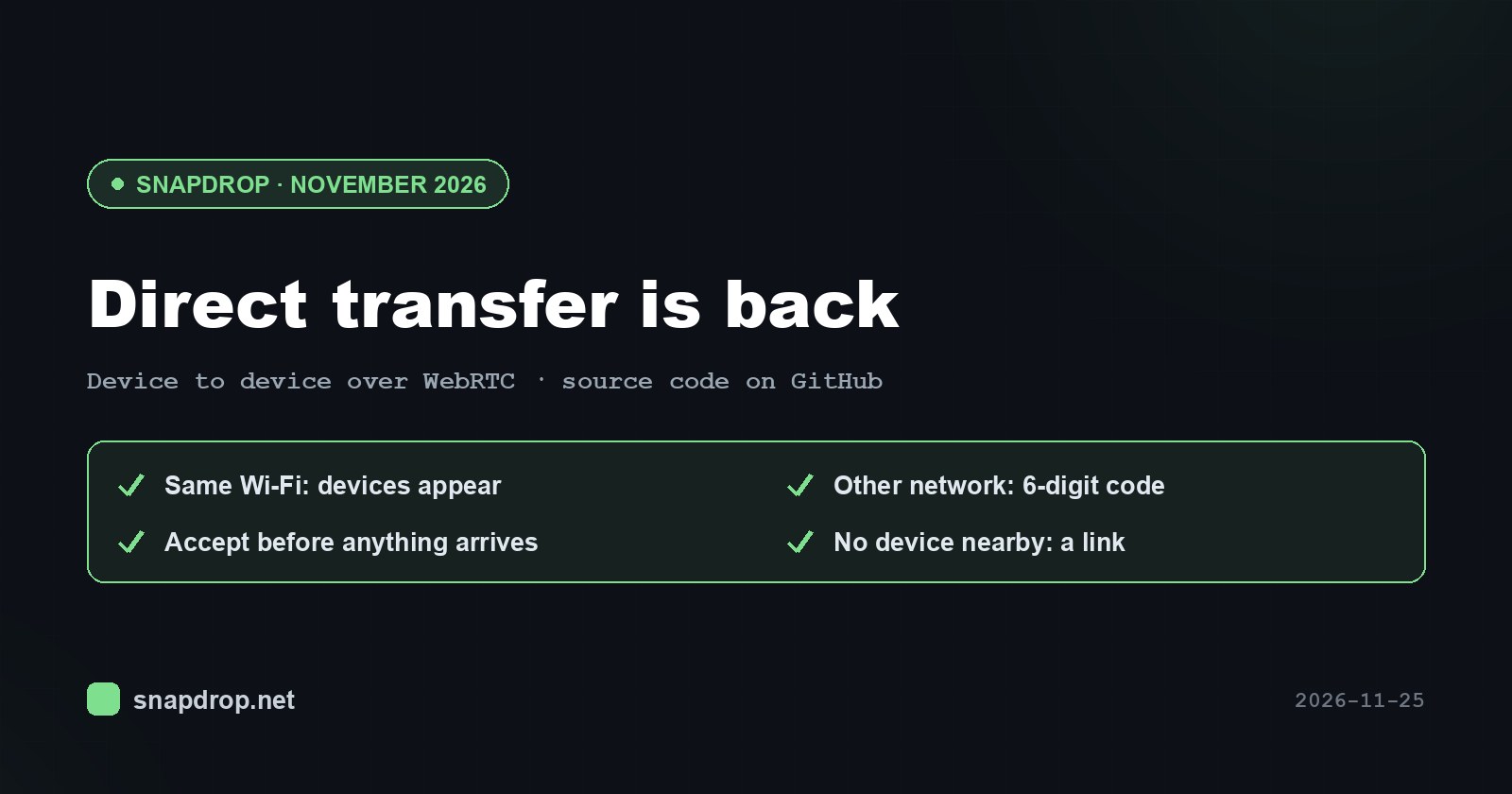
Open snapdrop.net on two devices on the same Wi-Fi and they show up on each other’s screen. Pick a device, pick a file, and the file travels from one browser to the other. That is how Snapdrop worked for years, and it is how it works again. This post covers what is on the page now and how each part behaves.
Same network: nothing to set up
Each open tab of snapdrop.net gets a random device name and appears to the other devices on your network. Click or tap a device to choose files, or drop files onto it on a computer. Nothing installs, and there is no account.
The receiver sees who is sending, how many files and their total size, and chooses Accept or Decline. Nothing arrives before Accept. Files that contain programs or scripts carry a warning, so you open them only if you trust the sender.
Different networks: a 6-digit code
Devices on a VPN, on mobile data or on a guest network usually cannot discover each other. For that case there is “Connect with a code”. One device shows a QR code and a 6-digit code that changes every 30 seconds; scan it or type it on the other device, then confirm the link there.
Linked devices find each other from any network the next time as well. The link is dropped after 30 days in which the two devices have not met, and you can forget a single device or all of them at any time.
When a link is the better tool
A direct transfer needs both devices online with the page in front. If the other device is not around, or a strict network keeps the two apart, the page offers “Share a Link” instead. That path is different: the files are uploaded to LimeWire, stored for 3 days on a free account and opened by link on any device. The note under the button says this before you upload.
Phones have less memory for incoming files than laptops. For very large files the page suggests a link rather than risking a transfer that runs out of room halfway.
What our servers see
A small pairing server introduces devices to each other so that they can open a direct WebRTC connection. File contents do not pass through it. As with any WebRTC connection, the two devices learn each other’s network address while they talk.
Source code
The client that snapdrop.net serves is public at github.com/LimeWireOfficial/snapdrop.net. It is the same set of files the site delivers, published automatically on every deploy, under GPL-3.0 like the original Snapdrop by Robin Linus. The “Source code” link at the bottom of every page leads there.
If something does not work
Most failed connections come down to a VPN on one of the devices or a network that isolates its clients. Turn the VPN off on both, put them on the same Wi-Fi, and try again. If it still fails, the “Contact support” button on the page reaches the team.